Mockify
Mockify
Mockify Generator

Create a Fake iPhone Calendar

Updated August 13, 2026·by the Mockify team

A day of meetings, a surprise date or an absurd schedule: a realistic iOS calendar.

Create a fake iPhone Calendar screenshot: day, events, times, locations and colors. Free, no sign-up.

⚡No registration required
💳No bank card
✨Free Use
Loading...Preparing the preview

Your Calendar screenshot, without touching your phone

Mockify recreates the iPhone Calendar screen from what you type: the day, events, times, locations and colors. You export an image ready to post, without changing anything on your real phone.

Realistic iPhone Calendar Generator

Create polished iPhone Calendar Generator screenshots for social media and engage your audience.

UX/UI design

Use iPhone Calendar Generator mockups in client presentations and design portfolios.

Viral marketing

Use the familiar iPhone Calendar Generator interface to create ads that do not look like ads.

Start from a template

Ready-made scenes to customize: pick one, change the text, download.

Ready to create your Calendar screenshot?

Your first visual in less than a minute.

Create your mockup in 4 simple steps

Mockify is designed to be intuitive and fast, allowing you to generate realistic screenshots in seconds.

1

1. Open the Calendar screen

The generator opens on a sample ready to edit.

2

2. Customize

Edit the day, events, times, locations and colors.

3

3. Set the status bar

Time, battery and signal are set in the Appearance tab.

4

4. Export the image

Download the screenshot as PNG or JPG, without a watermark on a paid plan.

A preview of what you will create

The exact image you download, in the free and Premium versions.

mockify-faux-calendrier-iphone.pngFree export
9:41
November
M2T3W4T5F6S7S8
Wednesday, November 4, 2026
08:00
09:00
10:00
11:00
12:00
13:00
14:00
15:00
16:00
17:00
18:00
19:00
Wake up 😴
Meeting that could have been an email
Everest room
Lunch with Lea
Joe’s Diner
Gym (promise)
Planet Fitness
TodayCalendarsInbox
Made with Mockify.frfree version
Subtle Mockify.fr watermark
mockify-faux-calendrier-iphone-hd.pngPremium export
9:41
November
M2T3W4T5F6S7S8
Wednesday, November 4, 2026
08:00
09:00
10:00
11:00
12:00
13:00
14:00
15:00
16:00
17:00
18:00
19:00
Wake up 😴
Meeting that could have been an email
Everest room
Lunch with Lea
Joe’s Diner
Gym (promise)
Planet Fitness
TodayCalendarsInbox
HD, no watermark

Loved by Creators, Designers and Marketers

Use our tools to create engaging content, beautiful design mockups or impactful marketing campaigns.

★★★★★

"The result is astonishingly realistic. My clients can't see anything in it."

M
Marie L.
UI designer
★★★★★

"I use Mockify for all my social media mockups. Huge time savings."

T
Thomas R.
Marketer
★★★★★

"Simple, quick and the result is professional. I recommend 100%."

S
Sarah B.
Content creator

Choose your plan

Free features for everyone, and premium tools for professionals.

24h Pass

€2.90one-time payment

Just for today, full Creator access for 24 hours

  • Watermark-free exports, HD and transparent background
  • Unlimited exports (PNG, GIF, video, ZIP)
  • 9:16 story videos with sound and music (40 messages)
  • AI voice-over: 3 videos
  • AI stories: 10 generations
Unlock 24h for €2.90

Agency

€20.75/ month

€249 billed yearly

Everything in Creator, plus:

  • Client approval links
  • 3 team members
  • Batch generation from CSV
  • AI voice-over: 150 videos per month
  • AI stories: 1000 generations per month
  • Unlimited brand kits
Go Agency
BLACK FRIDAY −34%

Creator lifetime

Pay once, keep Creator forever

€149€99one-time payment

Choose lifetime access

Free: 1 export per day (3 with an account), watermarked.

Explore our other tools

Mockify offers dozens of simulators for all your content creation needs.

🛡️

For fun and creation, not deception

These screenshots are for memes, videos, sketches and mockups. Do not use them to pass off a fake exchange as real or to harass someone: Mockify forbids it.

Everything you need to know

Questions? We have the answers to help you get the most out of Mockify.

How do I make a fake Calendar screenshot?
Open the generator, edit the day, events, times, locations and colors, then export the image. Everything happens in your browser.
Does it look like a real iPhone?
Yes: the layout, colors and status bar follow iOS 17.
Is the generator free?
Yes, creating and exporting is free with a watermark. Paid plans remove the watermark and unlock HD exports.
Is it legal to use Mockify?
Yes, Mockify is a legal creation tool designed for mockups, prototypes, demos and creative content clearly identifiable as fictional. Identity theft, fraud, harassment and deception are strictly forbidden.
Ready to create your own iPhone screens?

Join the creators who use Mockify.

You might also like these tools

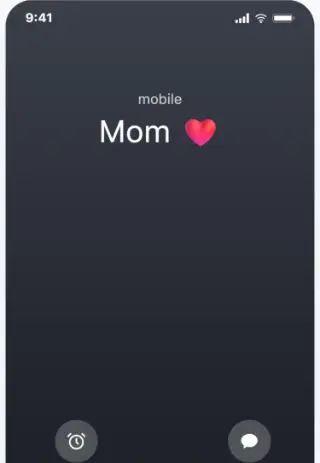
Fake iPhone Call Generator: incoming call screen

Create a fake iPhone incoming call screenshot: contact name, full-screen photo, Decline and Accept buttons. Free, no sign-up.

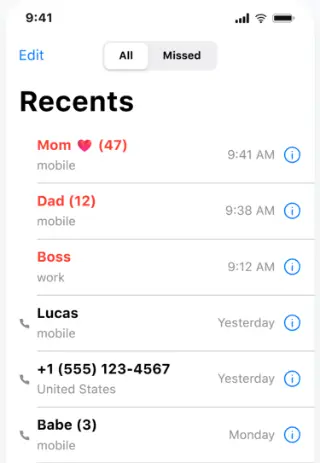
Fake iPhone Missed Calls: “47 missed calls” generator

Create a fake iPhone missed calls screenshot: red contacts, call counts and times. The “Mom (47)” meme in 2 clicks, free.

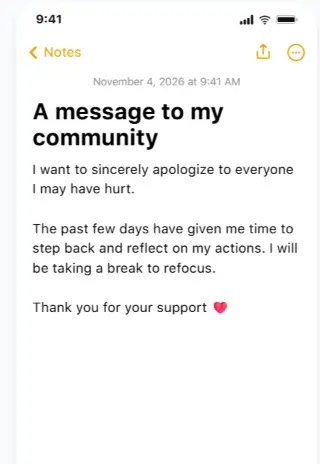
Fake iPhone Notes Generator: Notes app screenshot

Create a fake iPhone Notes app screenshot: title, text and date. Perfect for celebrity apology memes, announcements and sketches.

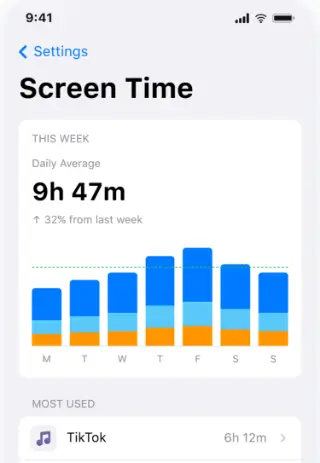
Fake iPhone Screen Time Generator: screenshot maker

Create a fake iPhone Screen Time screenshot: 9 hours a day, TikTok on top, weekly chart. Free, no sign-up.

iPhone Notification Generator

Create fake notifications on iOS (iPhone) lock screen.

Fake iPhone notification generator: realistic screen

Create a realistic fake iPhone notifications screen: apps, times, badges. Ideal for UX tests, demos and mock-ups. Free, without registration.

Fake Missed Call Generator: Screenshot & Notification

Make a fake missed call screenshot in 2 clicks: iPhone or Android lock screen notification with caller name, number and time. Free, no sign-up.